How to Validate a YouTube Video Idea Before You Film It
Here’s how to validate a YouTube video idea before you waste a Saturday filming the wrong one: stop guessing and start gathering evidence. The expensive mistake was never running out of ideas. It’s spending six hours filming and editing one that never had a shot.
I’m not spending a Saturday on a video just because the idea sounded cute in my Notes app. So before I filmed the exact video this article is paired with, I ran it through my own validation process. Verdict: the topic passed. The angle needed work. Adjust, not film, not reject. No guaranteed-views formula exists. I ran it through this process because filming on a hunch and filming with a reason produce very different odds.
This is that process. Steal it.
Want the done-for-you version? Grab the free YouTube Idea Validation Checklist + AI Prompt before you keep reading.
Want to watch me test this process on the exact video you’re reading about? Here it is:
How to Validate a YouTube Video Idea: What It Actually Means
It doesn’t mean predicting your view count. Nobody can do that, and anyone who says they can is selling you something.
It means gathering enough evidence to make a decision before you burn hours on production. That’s the whole job. Three outcomes: Not eliminating risk. Reducing the odds you spend four hours editing something nobody was waiting for.
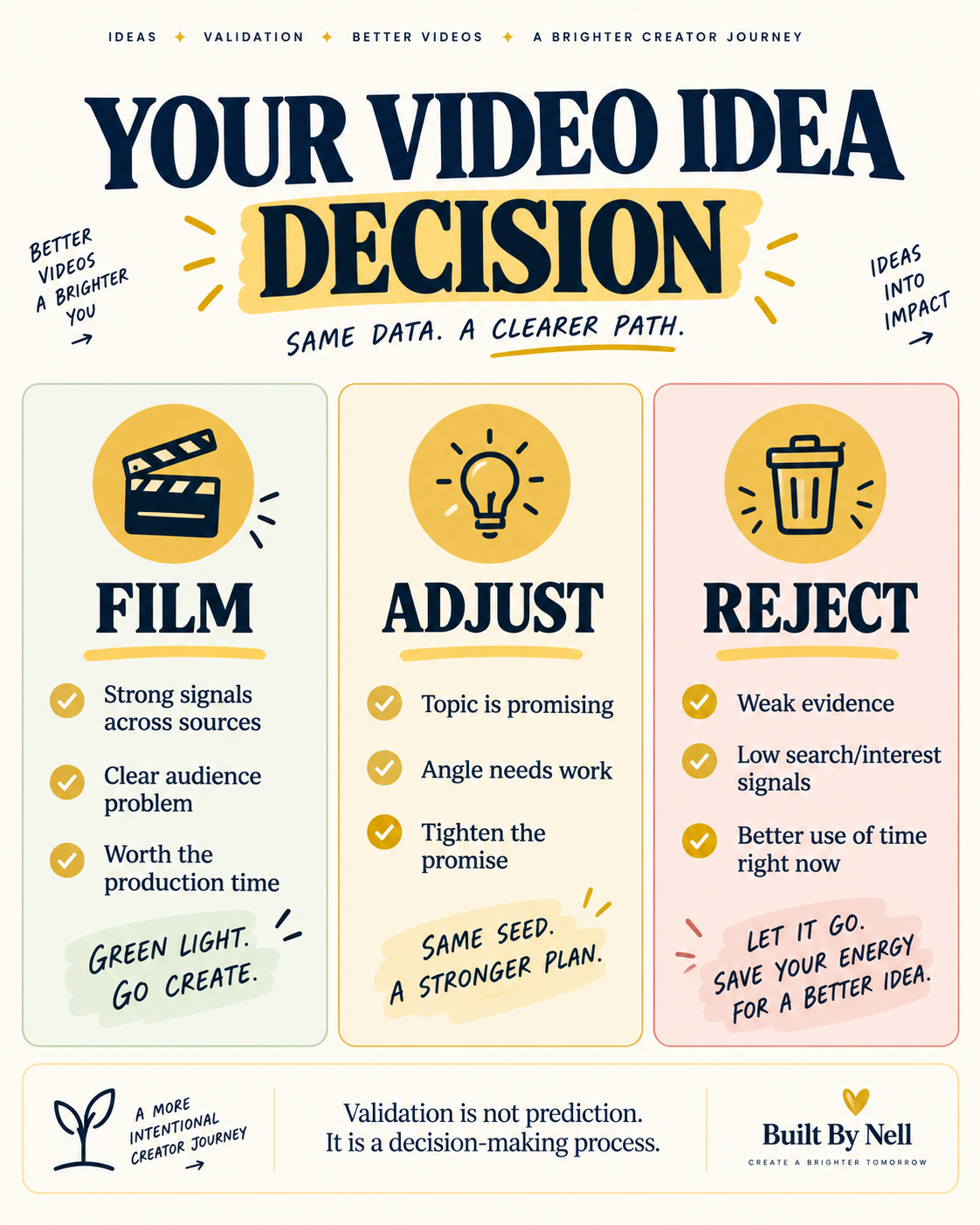
- Film. Real signal, solid angle. Go.
- Adjust. Demand exists, but the angle or title needs work first.
- Reject. Not enough evidence. Save the weekend.
All three are wins. Reject saves you time. Adjust is the most common result, and it was mine here.
1. Start With Your Own Data
Check YouTube Studio (or ask it directly) for what your existing audience already responds to. Built By Nell is still early-stage, so my sample size is small. I’m not treating five comments as proof of anything, just a starting point. If your channel is newer too, weigh this as one input, not the whole answer. Small samples can point you in a direction. They can’t confirm one, no matter how good that one comment made you feel.
2. Search YouTube Like a Viewer, Not a Creator
Type your topic the way a real viewer would search it. See what autocomplete suggests. Autocomplete is free. Use it. If YouTube is suggesting closely related phrases, people are actively searching this. If nothing comes up, that’s a signal too.
Then check what’s already ranking: view counts, how recent, whether the comments show people actually engaged. This is demand evidence, not a guarantee. It tells you the problem interests people. It doesn’t tell you your video is the one they’ll pick. A handful of recent, well-commented videos on your topic means people showed up for someone else. Worth knowing before you assume they’ll show up for you.
3. Find the Questions People Are Already Asking
Look at forums, comment sections, creator communities. You’re after the exact wording people use and the confusion that keeps repeating. Even if you already have the idea, this tells you whether it’s worth hours of production and sharpens your eventual title. Having an idea and knowing it’s worth the hours are two different problems, and this step is where you find out which one you’re actually dealing with.
4. Check Google Trends (the Right Way)
Open Google Trends, switch the search type to “YouTube Search,” not general web. Then look at the last 12 months. For this video, interest stayed steady instead of spiking and vanishing, meaning it’s evergreen rather than trend-dependent.
One limit: steady Trends interest doesn’t guarantee performance. It shows search interest, not watch time or retention. One data point, not a scoreboard. Think of it as a weather report, not a promise about how the day ends.
5. Use AnswerThePublic for Wording and Angles
AnswerThePublic surfaces the questions and phrasing people actually use, including beginner-level concerns you wouldn’t think to search yourself. Treat it as material for framing, not official YouTube performance data.
6. Give ChatGPT the Research, Not Just the Idea
Asking “is this a good idea” gets you a flattering, useless answer every time. AI is not your hype man here. Make it challenge you.
Hand it your actual findings from steps one through five and ask it to poke holes: what’s weak, what’s missing, and a direct call: film, adjust, or reject. We are looking for evidence, not a prophecy. A weak prompt asks “is this good?” A useful one says “here’s what I found, tell me what’s missing, and give me film, adjust, or reject.”
The free checklist has the exact prompt structure for this step, so grab it: free YouTube Idea Validation Checklist + AI Prompt.
What Happened With This Exact Video
Topic: passed. Real search behavior, steady Trends, real creator language. Angle: needed adjusting, so I fixed it before filming instead of wasting an afternoon on it. The research didn’t hand me a guarantee. It handed me a clearer picture, which is the entire point of doing this before production instead of after you’ve already burned the afternoon.
What Validation Can and Cannot Tell You
- Can: reduce uncertainty, sharpen a weak angle, reveal real demand, save some wasted production time.
- Cannot: guarantee views, predict click-through rate, guarantee retention, or replace a genuinely good video once you start filming.
Quick Validation Checklist
- Checked my own channel data?
- Searched YouTube like a real viewer, autocomplete included?
- Looked at what’s already ranking?
- Found the actual language creators use?
- Checked Google Trends on YouTube Search?
- Used AnswerThePublic for angles?
- Given AI the real research, not just the idea?
- Landed on film, adjust, or reject, with a reason?
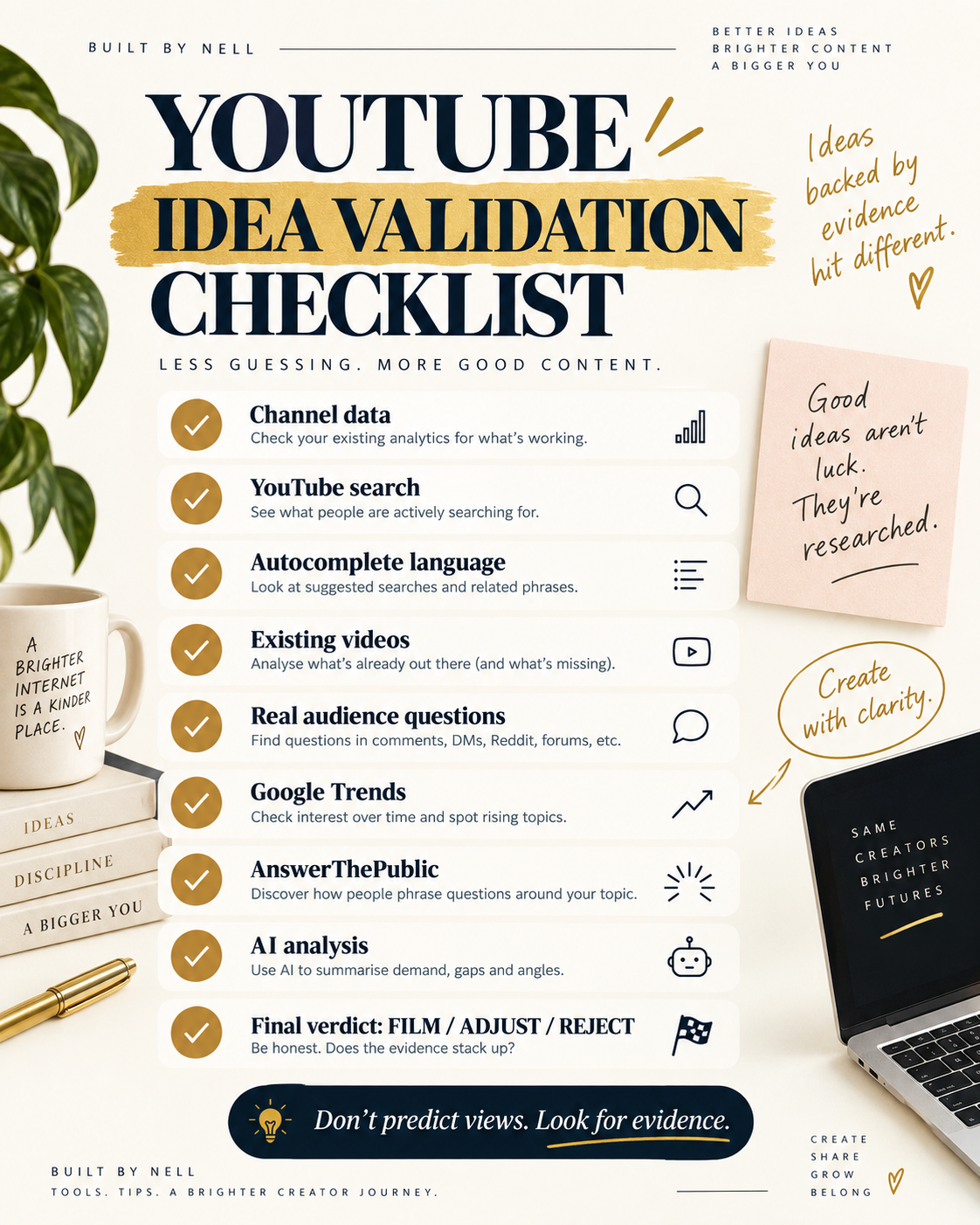
Want the expanded version plus the AI prompt? Get the YouTube Idea Validation Checklist + AI Prompt, free.
Stop Asking If It’ll Definitely Work
Nobody can answer that, including the people who claim they can. Ask this instead: “Do I have enough evidence to justify the hours?”
That one, you can actually answer, and answering it honestly is what separates a strategic decision from a video made purely on vibes. Grab the free YouTube Idea Validation Checklist + AI Prompt and run it on your next idea before you touch record.
Frequently Asked Questions
Does validating a video idea guarantee it will perform well?
No. It reduces uncertainty and sharpens your decision, but it can’t guarantee views, click-through rate, or retention. Execution still matters.
What’s the fastest way to validate a YouTube video idea?
Start with your own channel data, then search YouTube the way a real viewer would, including autocomplete. Those two alone tell you a lot fast.
Is Google Trends useful for YouTube specifically?
Yes, if you switch the search type to “YouTube Search” instead of general web search. That filters for actual YouTube search interest.
Should I just ask ChatGPT if my video idea is good?
Not by itself, it’ll just flatter you. Hand it your actual research and ask it to challenge your interpretation and give a direct film, adjust, or reject call.