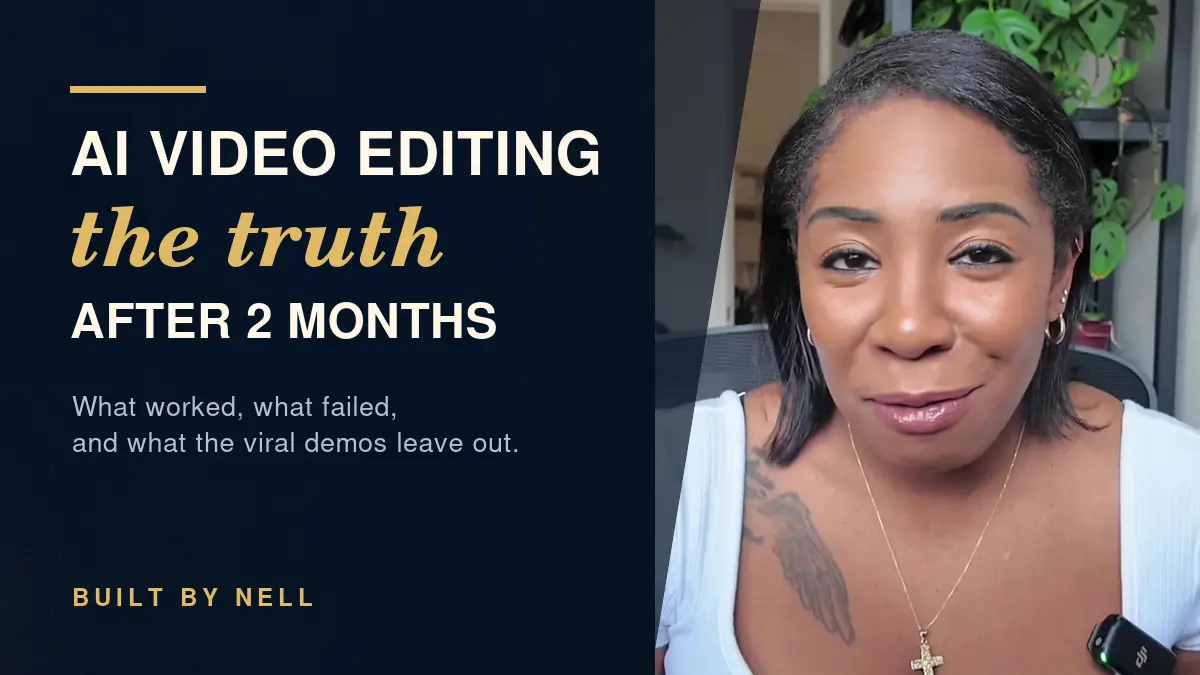
I Tested AI Video Editing for 2 Months—Here’s the Truth
The video you’re about to watch was edited with AI. It still did not come from one magical prompt.
Both of those things are true, and that contradiction is the whole point of this post. AI video editing is real, and it has changed how I make content. It also took about two months of testing, a pile of failed attempts, and, at one point, an AI editing tool stack that reached more than $200 per month.
I’ve been creating content since 2011, so I know how to edit. I tested this on my real footage (beauty, lifestyle, and business videos), not a perfect five-second demo clip. Here’s what actually happened.
Table of Contents
- How This Started
- What AI Video Editing Did Well
- What AI Got Wrong
- Why Editing Experience Still Mattered
- The Real Cost of AI Video Editing
- The Workflow That Finally Worked
- Who AI Video Editing Is (and Isn’t) For
- Bottom Line
- AI Video Editing FAQ
How This Started
The problem was never that I couldn’t edit. The problem was that editing was eating way too much of my time, and I couldn’t consistently work on the other parts of my business.
So on July, 2026, I officially started using AI-assisted editing and building a system. The goal was simple: get AI to edit my videos without destroying the quality I had already worked years to build.
Since then, I haven’t had to edit an entire video by myself. That’s the real reason I’ve been able to post more consistently, which matters because staying consistent with content creation is half the battle. It’s also why I could finally go back through all the footage sitting on external hard drives and SD cards for years. (Yes, there was dust, lol.)
What AI Video Editing Did Well
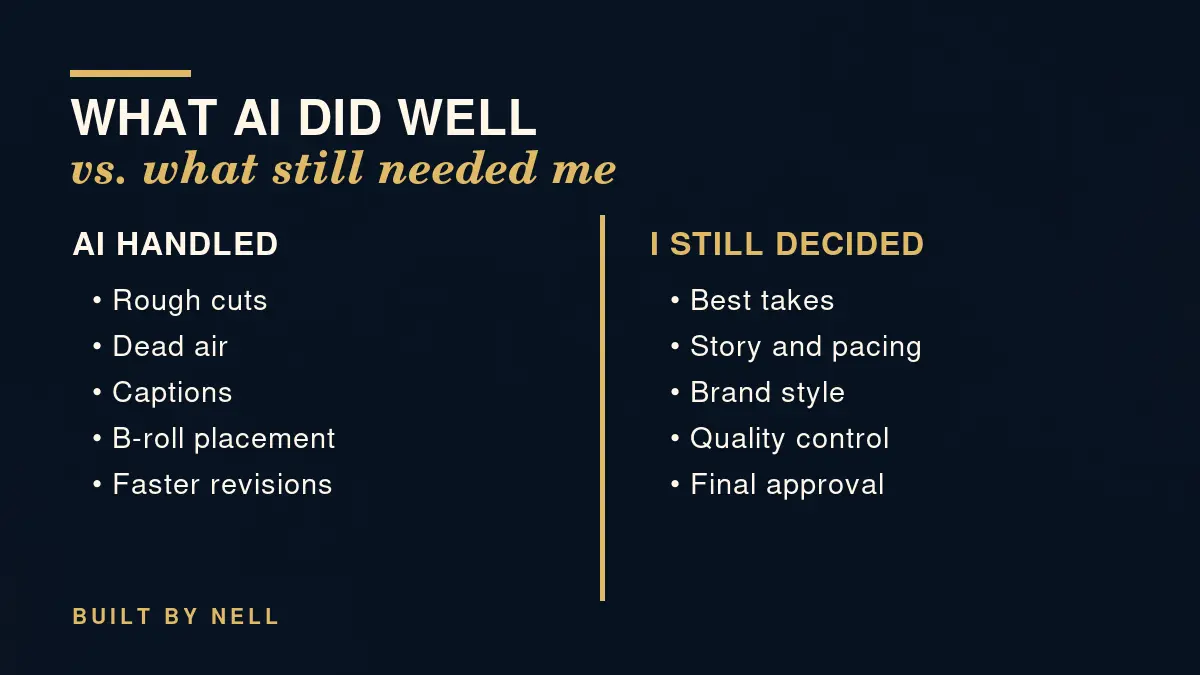
I’ll give credit where it’s earned. When it works, AI video editing is genuinely useful for the repetitive parts of the job:
- Dead air and repeated lines. It removes both without me scrubbing a timeline for an hour.
- Rough cuts. It can build a first assembly from raw footage.
- Captions and graphics. It adds them, though the graphics are where you’ll want to supervise (more on that below).
- Revisions. Changes come back so much faster than I could ever make them by hand.
So yes, AI can absolutely help with editing your videos. But “AI can help edit” and “AI can do everything for me” are two completely different statements.
What AI Got Wrong
One of the videos that pushed me to test all this showed AI adding motion graphics to a clip of about five seconds. I’m not knocking it. The results looked amazing. But a five-second clip doesn’t prove that AI can review hours of footage, find your best take, understand your style, and finish an entire video from one prompt. I’m telling you, it does not happen like that.
Here’s what I actually ran into. AI will confidently make a terrible decision and act like it did you a favor. It has:
- Chosen unflattering footage of me
- Cut off my sentences
- Overused zooms
- Created ugly graphics (the AI slop we all hate)
- Misunderstood instructions that seemed completely obvious to me
None of these are catastrophic on their own. Together, they’re the difference between a video that looks like you made it and a video that looks like a template had a bad day.
Why Editing Experience Still Mattered
Before AI could edit like me, I had to teach it what “like me” meant. That means my storytelling, my visuals, my pacing, which footage is flattering, and which graphics look cheap.
That part never goes away. If you can’t recognize a bad crop or weak pacing, how will you know when AI got it wrong? It won’t tell you. It will hand you the result with total confidence and wait for applause.
This is where years of editing paid off. I could spot the unflattering take, the clipped sentence, and the zoom that was trying too hard. Knowing how to edit isn’t the old way of working that AI replaced. It’s the quality control that makes AI video editing usable in the first place.
Here’s what I’m actually reviewing every time, whether the draft looks decent or not:
- Story: Does the video say what I meant it to say, in the order that makes sense?
- Pacing: Does it breathe where it should, and move where it should?
- Footage: Is this the best take, and is it a flattering one?
- Graphics: Do they look like my brand, or like something cheap?
- Sentences: Did anything get cut off mid-thought?
None of that requires a fancy tool. It requires taste, and taste is the one thing I couldn’t download. If you’re wondering whether to try this, ask yourself that question first: could you tell the difference between a good edit and a bad one? If yes, AI can save you serious time. If not, it can still produce a video. You just might not know what’s wrong with it.
The Real Cost of AI Video Editing
This is the part the viral demos skip. Before I found my current workflow, I tried a lot of options, and several of them went badly.
- Early attempts. I gave one tool more than an hour of footage, and the first edit was absolutely terrible. In a separate test, Claude gave me a 20-minute video with over 100 clips packed into one timeline that made no sense at all.
- ChatCut created a decent rough cut. But when I tried to make changes myself, it became so buggy that I had to reopen the program at least 17 times. It isn’t part of my current workflow.
- Codex. I tried it mostly because so many creators kept talking about how it edits their videos. One editing experiment burned through my entire usage before I could properly test the complete workflow.
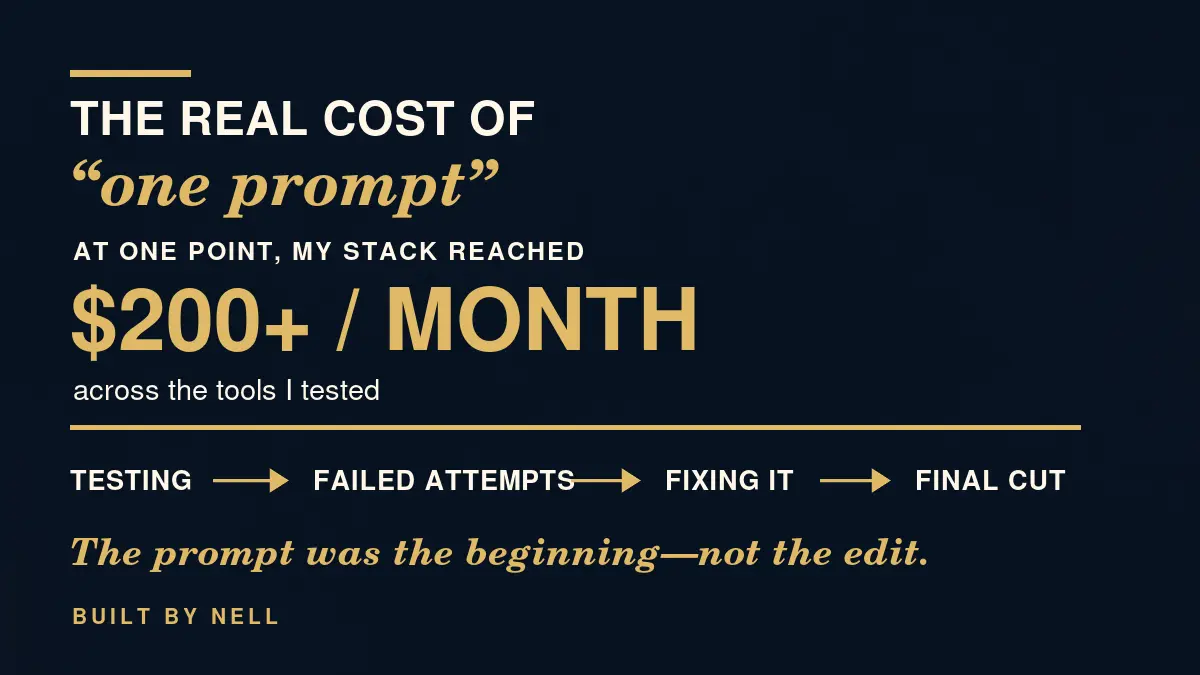
Then there’s the money. I paid $25 a month for ChatCut. I upgraded my Claude plan after running out of usage. I upgraded ChatGPT, and I still burn through my Codex allowance. At one point, my AI editing tool stack reached more than $200 per month.
That number was a peak, not my permanent monthly expense, and it doesn’t include the time. It doesn’t count the hours spent testing, fixing failed attempts, or using one tool to repair what another tool messed up. That’s the part that rarely makes it into a viral “AI made this video” demo, and it’s a big part of the real AI video editing cost.
The Workflow That Finally Worked
The breakthrough wasn’t replacing professional editing software. It was getting AI to operate professional editing software properly.
My current AI video editing workflow uses Claude Code to work directly with my files. It can transcribe my footage, find my takes, build an editable timeline in Final Cut Pro, and help with B-roll, audio, and graphics. Final Cut gives it a stronger editing environment, and, just as important, it gives me an editable timeline I can fix myself.
I’m keeping this high level on purpose. The full setup is more detailed than a blog post should be, and I don’t want to hand you a 47-step tutorial that breaks the first time your footage looks different from mine. What I will say is that the system matters more than any single tool. Even before I edit anything, I still validate the video idea the old-fashioned way, because AI can’t tell you whether a video is worth making.
Who AI Video Editing Is (and Isn’t) For
My honest verdict: AI video editing is real. It is also not always cheap, not always beginner friendly, and not always hands-off. The creators getting the best results usually have way more going on behind the scenes than fits into a 30-second video.
- Creators with editing experience: This is where it shines. You can spot bad decisions fast, so the time savings are real.
- Business owners: It can work if your editing is eating time you need elsewhere, but budget for testing and fixing, not just a subscription.
- Beginners: Be careful. If you can’t tell a good crop or good pacing from a bad one, you won’t know when the AI video editor has quietly made your video worse.
- If you just want clips from long videos: A lighter tool may be all you need. I wrote about how I use Opus Clip to turn old YouTube videos into Reels and Shorts, which is a much smaller job than a full edit.
Bottom Line
AI can execute a large part of the work. It cannot replace the person deciding what the work should be. I still direct, I still review, and I still make the final call.
That’s why the best way to edit videos with AI isn’t a perfect prompt. It’s a repeatable system, an editor’s eye, and enough patience to survive the failed attempts.
AI Video Editing FAQ
Can AI edit YouTube videos?
Yes, with limits. In my testing, AI handled rough cuts, dead-air removal, repeated lines, captions, graphics, and faster revisions. It still needed me to judge the footage, the pacing, and the final result.
Can AI edit a whole video from one prompt?
Not in my experience. The polished results people post online may be real, but that doesn’t mean the process was fast, cheap, easy, or finished on the first attempt.
How much does AI video editing cost?
It depends on the tools you use and how much testing you do. I paid $25 a month for ChatCut and upgraded multiple AI plans, and at one point my AI editing tool stack reached more than $200 per month. That wasn’t a permanent expense, and it doesn’t include the time spent testing and fixing mistakes.
Do I still need to know how to edit videos?
Yes. If you can’t recognize a bad crop or weak pacing, you can’t tell when the AI got it wrong. Editing experience is what turns AI output into something you’d actually publish.
What AI video editing tools did you try?
I tried ChatCut, Claude, and Codex before landing on my current setup: Claude Code working with my files and Final Cut Pro as the editing environment. ChatCut had a decent rough cut but got too buggy for me, so it isn’t part of that setup.
Is AI video editing good for beginners?
Not always. It can be expensive, it takes testing, and it’s rarely hands-off. Beginners may struggle to catch mistakes they haven’t learned to see yet.
Watch the Video and Comment EDIT
If you haven’t watched the full video yet, scroll back up and watch it through. Then, if you want the complete workflow, including the tools, the setup, the cost, the mistakes, and what I still have to do myself, comment EDIT.
If enough of you want it, I’ll document the entire process. I may also turn the system I built into something you can use without spending months, or entirely too much money, figuring it out yourself. No launch date yet. I’m not promising anything I haven’t built.